



Your Next Big Meeting Starts Here!
Book Meeting & Conference Rooms Now on the BHIVE App
Why Book Meeting and Conference Rooms with BHIVE?
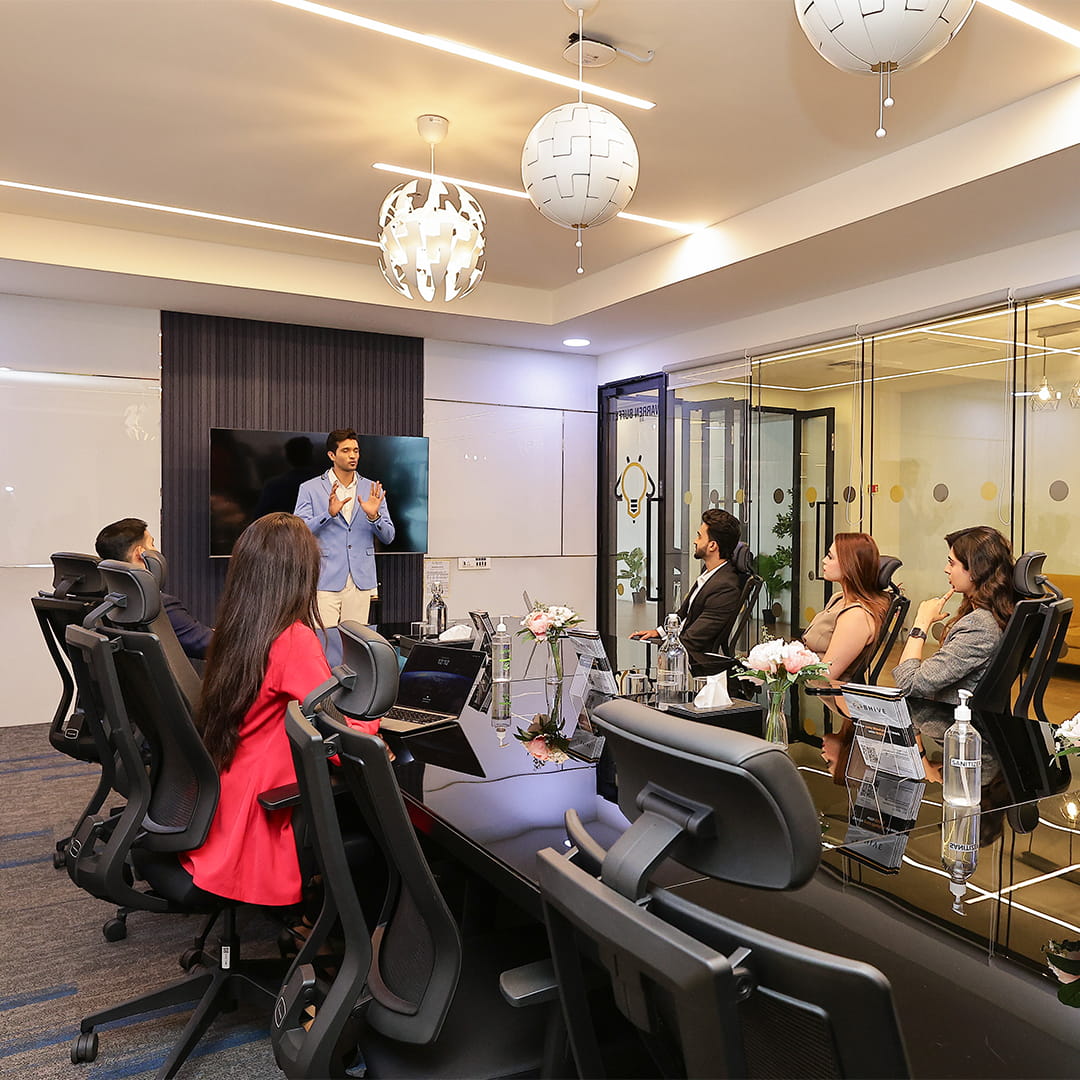
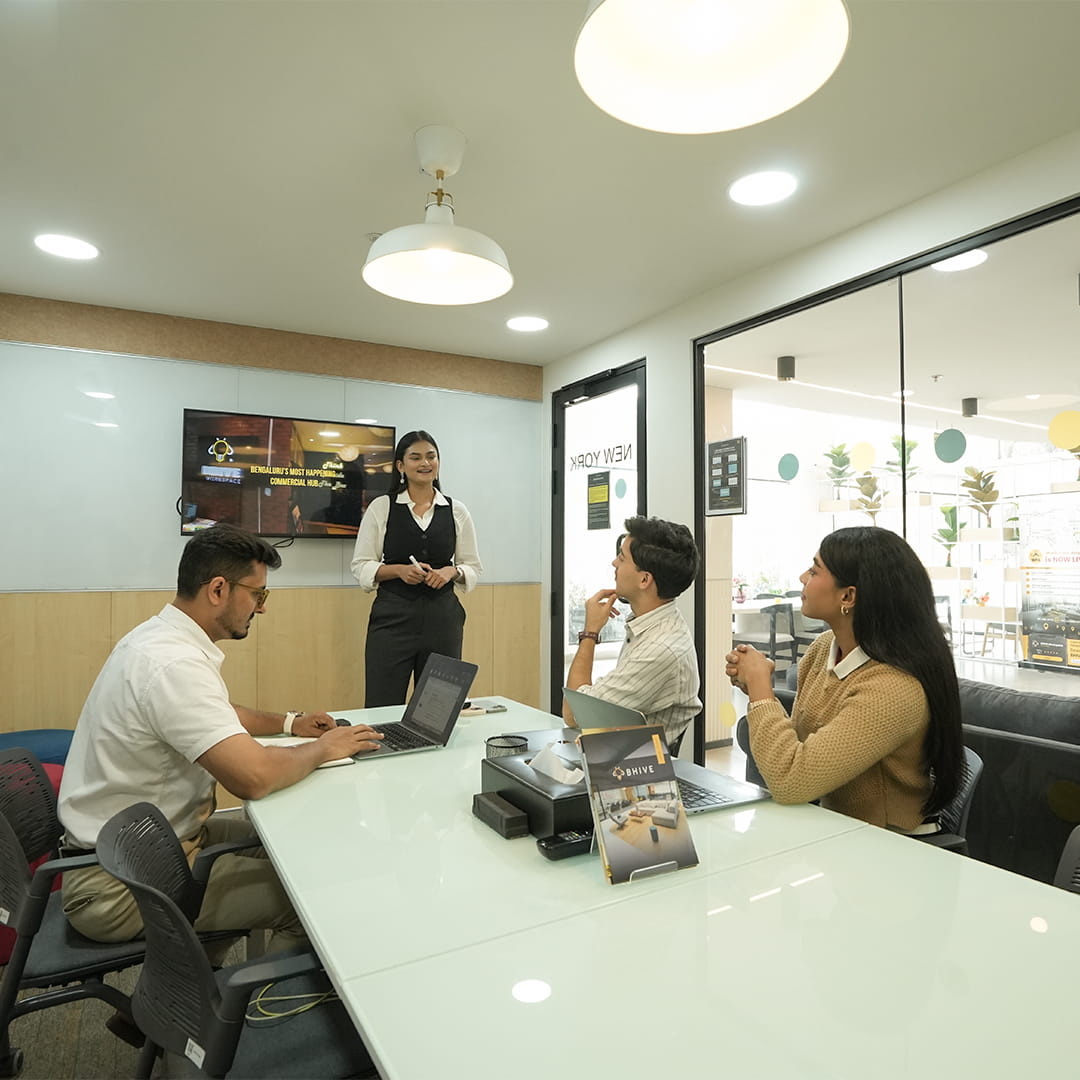
Whether it’s a quick client catch-up, team brainstorm, or an important boardroom discussion, your space is now just a few taps away.
- 1Easy Booking: Browse available rooms and lock in your preferred time slot instantly.
- 2Instant Confirmation: Get real-time confirmation directly on the app. No manual approvals.
- 3
Cross-Centre Booking: Book rooms across centres (as enabled) through a single interface.
- 4Fully Equipped: Professional setup with everything you need for productive meetings.

Steps to Activate Meeting & Conference Rooms for BHIVE Members
To use Meeting and Conference Rooms Credits, follow the steps below:

Get Registered on the BHIVE App
Ensure you or your Company SPOC is registered on the BHIVE App.

Activate Your Credit Access
Connect with your BHIVE Customer Success representative / Company SPOC to get the credit system activated.

Unlock Meeting Room Credits
Once approved, BHIVE will enable meeting room credit access to your account.
Steps to Activate Meeting & Conference Rooms for Non-Members
To use Meeting and Conference Rooms, follow the steps below:
Download the BHIVE App
Download the BHIVE App to get started instantly.
Explore Meeting and Conference Rooms
Head to the Meeting Rooms section on the app.
Choose Your Space
Select your preferred BHIVE centre, then pick the meeting or conference room that fits your needs.

Add Booking Details
Choose your date and time, then enter key details like duration, number of attendees, and any requirements.

Confirm & Pay
in seconds.

You’re All Set
Access your booking anytime in Booking History and invite attendees with ease.
Host Your Meeting Today.
Download the BHIVE App
Live at Select BHIVE Centres. Coming to Other Centres Soon!


Need help or location recommendations?
Our Customer Success Team is happy to assist at support@bhiveworkspace.com.
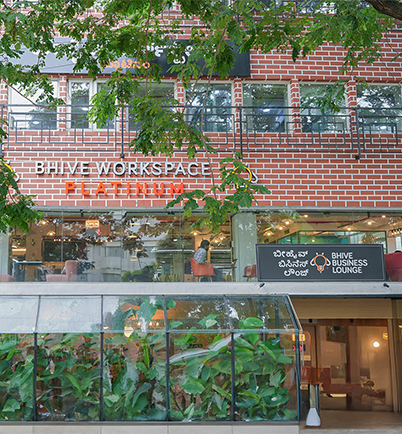
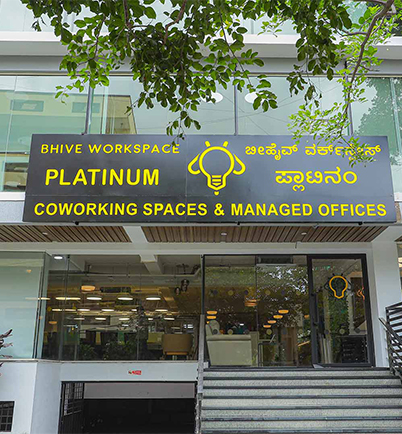
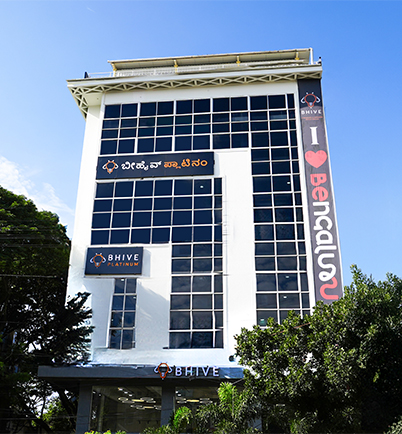
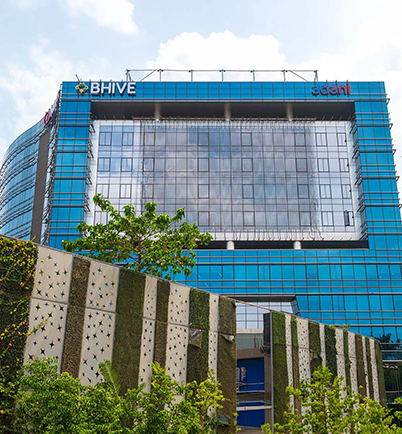
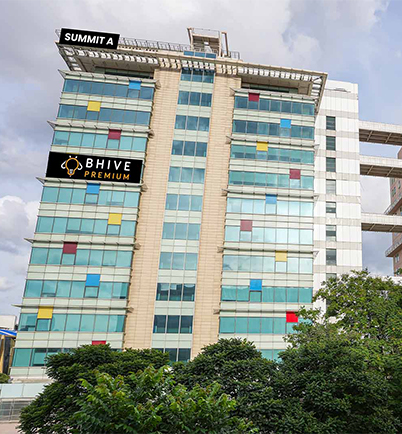
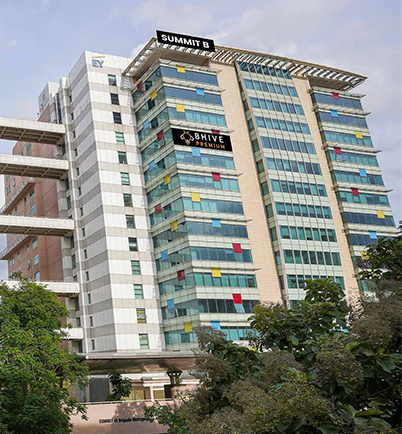
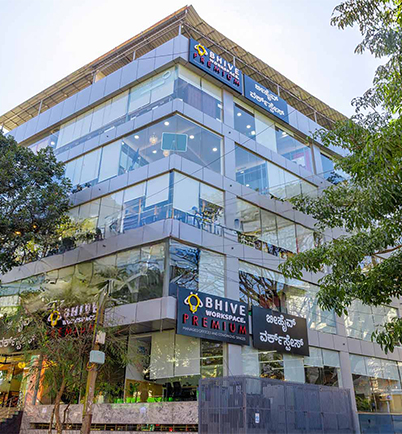
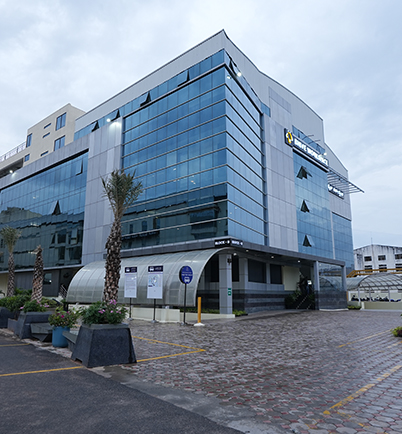
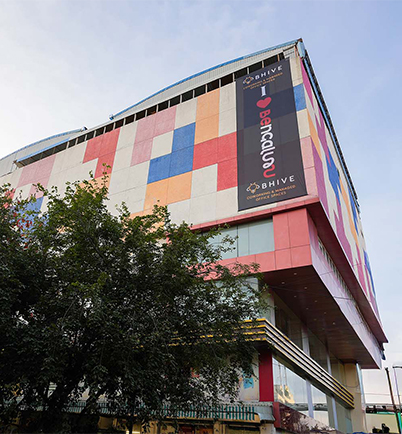
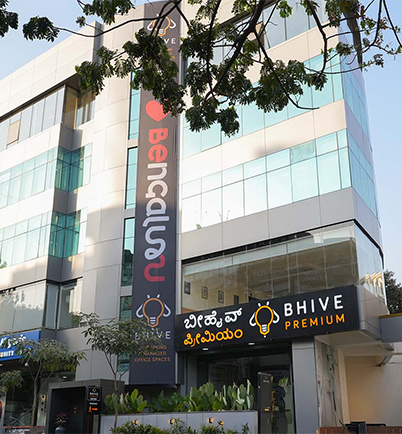
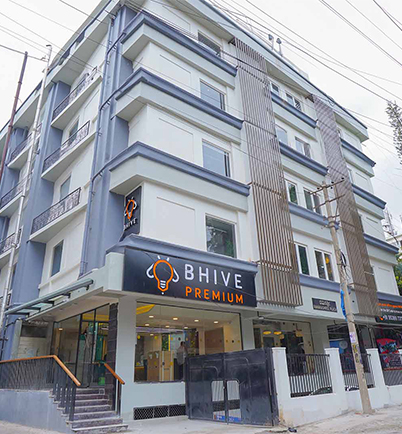
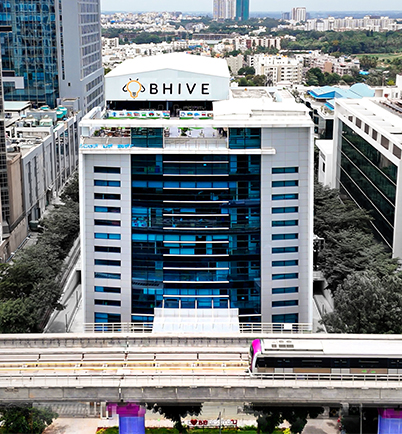
Meeting and Conference Rooms Active BHIVE Centres