


Introducing Work From Anywhere: BHIVE’s Member-Only Feature
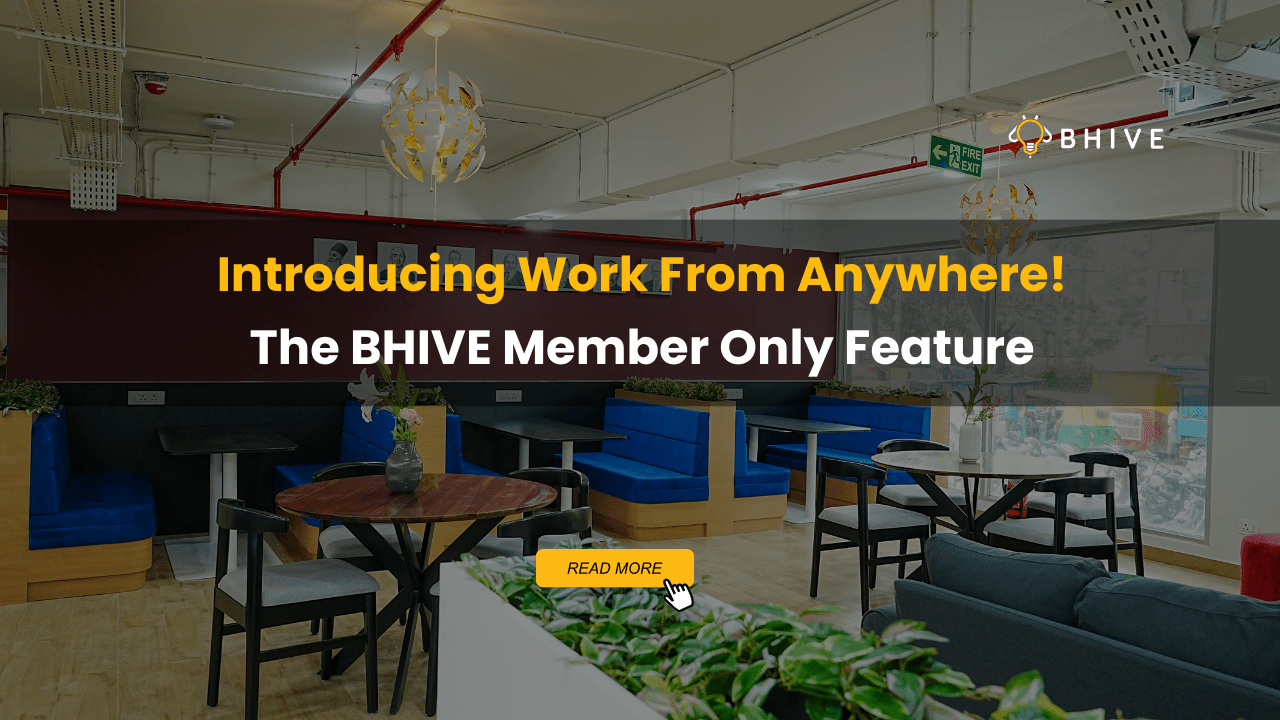
At BHIVE, we believe productivity should never be tied to one desk or one location. That’s why we’re excited to introduce Work From Anywhere (WFA) – a member-only feature designed to give you the ultimate flexibility. Whether you want to skip long commutes, work closer to home, or switch up your environment for fresh inspiration, WFA makes it possible. With this feature, you can seamlessly access multiple WFA BHIVE centres across the city, at 100% free of cost.
Think of it as freedom and flexibility built into your workday, allowing you to focus on what matters most—your goals, your team, and your productivity. This feature is now LIVE and ready for members to use.
Ready to experience true workplace freedom? Download the BHIVE App and start working from anywhere today!
Why WFA Matters: Less Commute, More Productivity
Let’s be honest—commuting drains both time and energy. On average, professionals in cities spend hours stuck in traffic, time that could otherwise fuel meaningful work or personal growth. With Work From Anywhere, BHIVE eliminates that daily struggle. Members now have the freedom to choose a workspace closer to home, cutting down on travel and giving you more hours in the day for what truly matters. This flexibility not only boosts productivity but also enhances work-life balance, something today’s professionals crave. Imagine reclaiming those lost hours and channeling them into creativity, collaboration, or simply more “you time.”
Say goodbye to long commutes. Say hello to smarter, more efficient workdays with WFA.
How to Get Started and Use Your WFA Pass?
Getting started with Work From Anywhere is simple and designed to be hassle-free. Just follow these easy steps:
Step 1: Reach Out to Your Company SPOC
Reach out to your Company SPOC & request WFA access.
Step 2: Register Your Email ID and Mobile Number to the BHIVE System
Ensure your email ID and phone number are registered in our system for automatic activation.
Step 3: Download or Update the BHIVE App
Download the BHIVE App or if you already have the app, make sure it’s updated (log out and login again) to activate the WFA feature enabled.
Step 4: Complete a One-Time KYC
On your cross-centre visit, make sure to carry a valid government ID for a quick, one-time KYC process. After this, you’ll have seamless access across all centres.
Step 5: View Your WFA Pass
Open the BHIVE App and view your available weekday cross-centre WFA passes.
Step 6: Walk Into Any WFA-Enabled BHIVE Centre
Simply show your pass to scan on the app and start working from our floating zones at any WFA enabled BHIVE Center.
Don’t wait—check your app and get your WFA access enabled today.
WFA is Now Live – Make the Most of It
We’re thrilled to announce that Work From Anywhere is officially LIVE for all BHIVE members. This isn’t just a feature—it’s a lifestyle upgrade for the modern professional. With seamless integration across centres, your membership now opens doors to multiple premium workspaces around the city. No hidden processes, no extra steps—just login, show up, and work. The freedom to choose where you work is no longer a privilege, but your new reality at BHIVE.
So, why limit yourself to one desk when the entire city is yours? Whether it’s a centre closer to a client meeting, near your home, or just a fresh change of scenery—WFA gives you that freedom.
Make the shift today. Download the BHIVE App, login, and embrace true workplace flexibility.
Frequently Asked Questions
What is Work From Anywhere (WFA)?
Work From Anywhere is a BHIVE member-exclusive feature that allows you to access multiple BHIVE centres across the city, not just your primary one. It’s designed to give you flexibility, reduce commute time, and help you work closer to where you live or where your day takes you. Whether it’s saving hours in traffic or finding a workspace near your client meeting, WFA ensures you always have a professional setup within reach—at no extra cost.
How do I enable WFA on the BHIVE app?
If you already have the BHIVE app, simply log out and log back in. That refresh enables the WFA feature on your account. Next, reach out to your Company SPOC, who will get in touch with our BHIVE Customer Success executive to integrate your access on the app. To make sure this works seamlessly, please confirm that your email ID and phone number are registered in our system. Once that’s done, you don’t need to perform any extra steps—WFA will be activated automatically.
Do I need to do anything on my first WFA visit?
Yes, but it’s a simple one-time process. On your first visit to a centre other than your home location, please carry a valid government ID. Our team will complete a quick KYC verification. This ensures smooth and secure access to all BHIVE centres moving forward. Once verified, you won’t have to repeat this process again—you can simply walk in and start working at any participating centre without hassle.
Who should I contact if I face issues accessing WFA?
If you face any issues while enabling or using WFA, your first point of contact is your Company SPOC. They will connect with our BHIVE Customer Success (CS) team, who can assist you in resolving access concerns quickly. In most cases, making sure your registered email ID and mobile number are updated in our system resolves the issue instantly. If needed, you can also reach out to the BHIVE Community team directly at community@bhiveworkspace.com for further support.
Start using Work From Anywhere today. Less commute. More flexibility. More productivity.